A free virtual tour maker, right in your browser
Drop in your 360° photos and build a virtual tour on the spot: no account, no download. Keep it with a free account, and put it on your website.
In short
Panoramr’s Create Tour page builds a 360° virtual tour from your own photos without an account. Your photos are prepared in your browser, the tour uploads by itself, and you choose its design straight away. It is kept as a guest tour for 2 days; a free account keeps it for good, holds 250 panoramas, and can publish 10 tours with Panoramr’s branding and embed them on your website.
- Account needed
- None to try; a free one to keep the tour
- Photos
- Up to 20 360° photos, JPEG or TIFF, each up to 250 MB
- Kept for
- 2 days as a guest tour, or for good with a free account
- No photos yet?
- Start from an example tour
How a tour is made
- 1
Upload your photos
Open Create Tour, give the tour a name and drop your photos in. No sign-up and no card. They are prepared in your browser, and the tour uploads by itself when they are ready.
- 2
Design it
Choose a theme, then make it yours: colours, menus, buttons and the look of each hotspot. Choose where visitors start looking in each room.
- 3
Link the rooms
Add hotspots so visitors can walk from one room to the next, and add text, pictures, video or a floor plan where they help.
- 4
Keep it
Create a free account and the tour is yours. A guest tour is deleted after 2 days.
- 5
Put it online
Publish it free with Panoramr’s branding, or buy a Vault for it to take the branding off.
- 6
Share it
Paste its embed code into your website, and send its link by email or post it on social media.
- A current Chrome, Edge, Firefox or Opera, or Safari 15 or later
- 360° photos: JPEG or TIFF files twice as wide as they are tall, each up to 250 MB
- Up to 20 photos for a guest tour
- One photo for each place a visitor would stand
- No photos yet? An example tour to start from
Free, or with your own branding
Every tour can go online free. Hosting it takes Panoramr’s branding off and lets visitors see your own design in any theme.
Free to make, and to publish with our branding
Making the tour and previewing every theme is free. You pay only to put it online without Panoramr’s branding.
Free
£0
Publish up to 10 tours, 250 photos in all, with Panoramr’s branding.
- The free Default Theme, in your colours
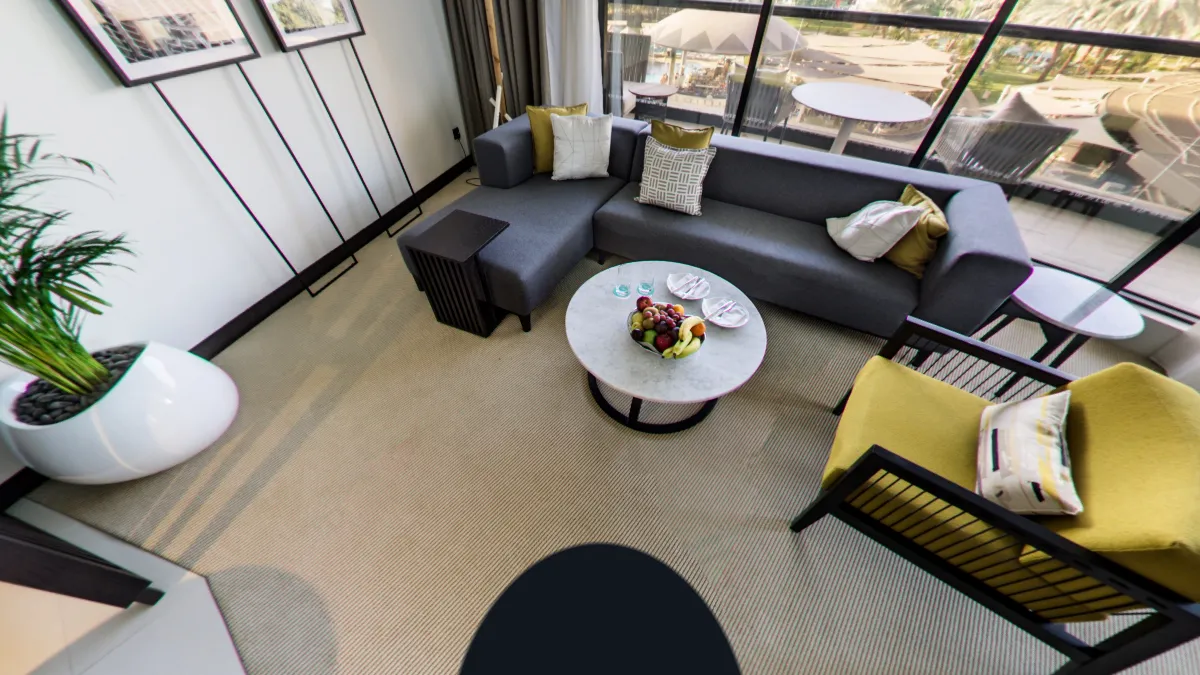
- A Panoramr start screen and badge over the tripod
- Listed on Panoramr’s Explore page
- Embed it on your own website
Vault 36
Suggested£36 a year
Hosts one tour of up to 36 photos. Pay once for one, three or five years, or yearly until you stop. You need no plan.
- No Panoramr branding: no start screen and no logo
- Your own design in any theme, Pro themes included
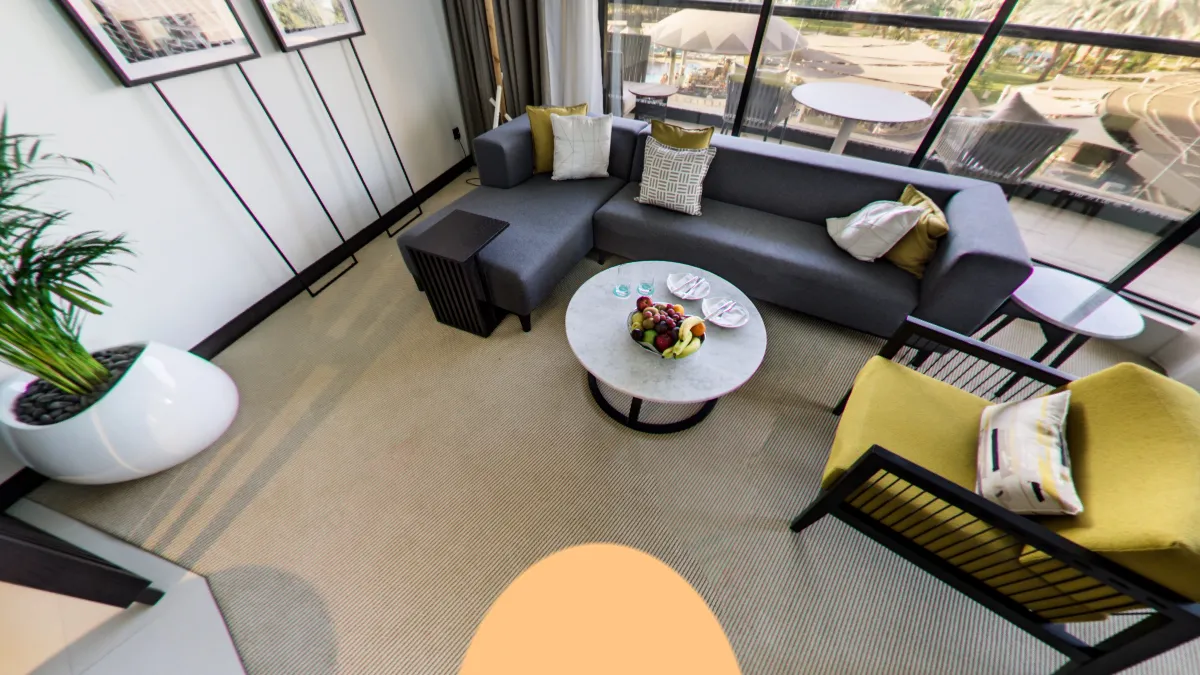
- Your logo and words on the patch over the tripod
- Private, by link only, or listed on Explore
Pro
£99 a year
Several tours? Pro hosts 250 photos at once with no Panoramr branding, shared by all of them, on one bill.
- Upload up to 1,000 panoramas
- Host up to 250 panoramas with no Panoramr branding
- Every Pro theme on your tours
- Your tour in other languages, with a switch for visitors
- Download your tour as a ZIP, in your own design
- Your own branding, private or published
- Hand a tour over to your client
Questions
Do I need an account?
Not to try it. Create Tour builds your tour without an account and keeps it as a guest tour for 2 days, in the browser you used. Create a free account from the design area to keep it for good.
Is it really free?
Yes. Making a tour, designing it and previewing every theme are free. A free account holds 250 panoramas and can publish 10 tours, 250 photos in all, with Panoramr’s branding. You pay only to host a tour without our branding: from £36 a year, in a Vault of up to 36 photos.
Is there a watermark?
A tour that is not hosted shows a Panoramr start screen and a small Panoramr badge on the floor, over the tripod. A hosted tour shows neither, and can carry your own logo there instead.
Can I put the free tour on my website?
Yes. Every plan can embed a published tour: copy the code from the Publish tab and paste it into your page. Until the tour is hosted it carries Panoramr’s branding.
What photos do I need?
360° photos as JPEG or TIFF files that are twice as wide as they are tall, each up to 250 MB. A 360° camera’s own app makes these from its two fisheye pictures.
What happens when the guest tour ends?
A guest tour is deleted 2 days after you upload it, unless you create a free account first. Signing up from the same browser keeps the tour, with its design.
Build your tour now
Drop in your 360° photos. No account, no download.