Vault 10
Up to 10 panoramas
A café, a small restaurant or a shop
£49for 3 years£1.63 a panorama a year
Buy a Vault500 MB more room in your asset library
No Panoramr branding
A Vault hosts one 360° tour for the term you choose, from a café's ten rooms to a campus. No creator plan needed, and you decide who can see it.
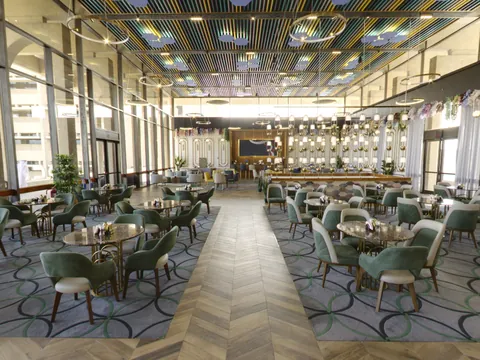 Restaurants
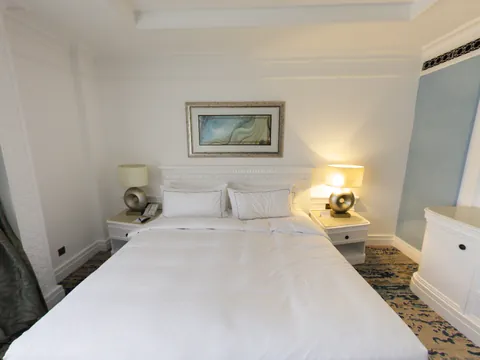 Hotels
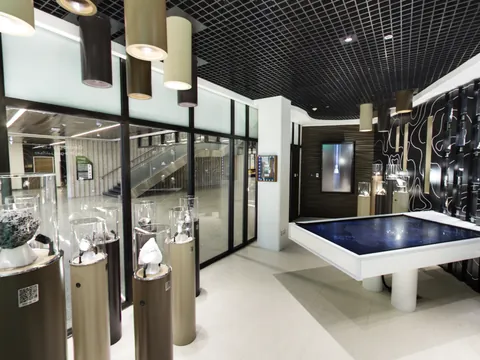 Museums
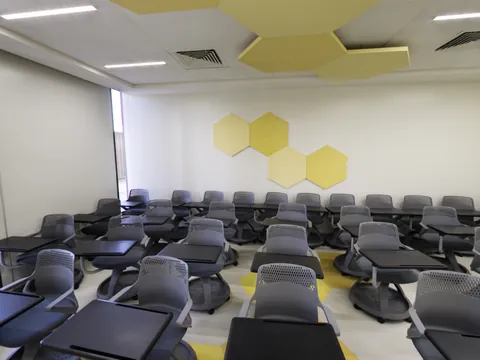 Schools
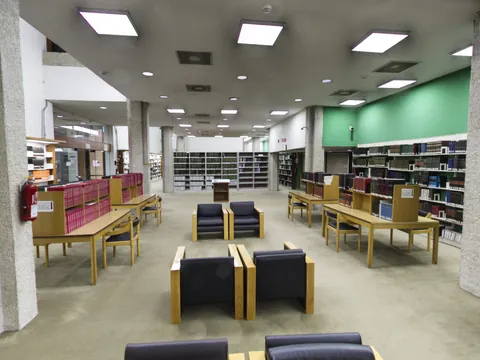 Colleges
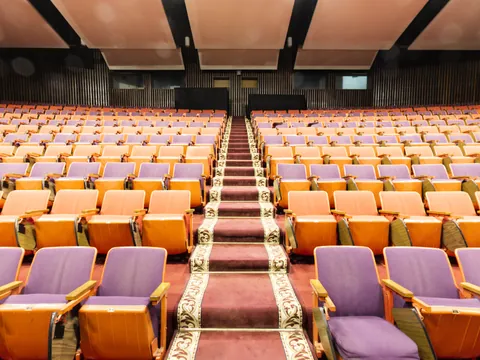 Universities
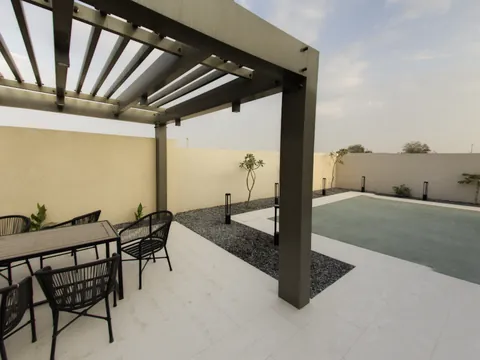 Holiday venues
A Vault hosts a tour, and a tour is made of panoramas: one 360° picture for each room or view. You bring the photos, and there are a few ways to get them.
A 360° photographer visits your venue, shoots every room with professional equipment and hands you the finished panoramas. A creator who builds tours in Panoramr can also put the whole tour together and hand it over to you.
Find a creatorOwn one, or thinking of buying one? Put it on a tripod in the middle of each room and take one shot: a 360 camera captures the whole room at once. Export the photos as JPEGs. A phone with a 360° photo app can do it too, usually at lower quality.
Panoramas from an earlier shoot, or from another tour, work as they are. Each one must be a JPEG or TIFF file that is exactly twice as wide as it is tall (2:1). A flat panorama from a phone's camera app is not a 360° photo and cannot be used.
Photo requirementsNo VAT is charged: Admin Accelerator Ltd is not registered for VAT.A rolling Vault renews until you stop it, and runs to the end of what you paid for.
Up to 10 panoramas
A café, a small restaurant or a shop
500 MB more room in your asset library
Up to 36 panoramas
A hotel, a B&B, a gallery or a house
1 GB more room in your asset library
Up to 100 panoramas
A large venue, a school or a museum
2.5 GB more room in your asset library
Up to 250 panoramas
A campus, a resort or an estate
5 GB more room in your asset library
Free tours are public on Explore with Panoramr's branding. A Vault takes the branding off and lets you keep the tour to yourself.
Count the panoramas in your tour and pick the smallest Vault that holds them.
Once for 1, 3 or 5 years, or rolling. Stripe takes the payment.
Choose a tour you have, or create one in the Vault. It goes online without Panoramr branding at once.
Yes. Make your whole tour first, free and without an account. You pay only when you decide to host it.
Open Create Tour and add your panoramas. They are processed in your browser, and you need no account and no card.
Import them, pick a theme and change the menus, colours and buttons until it looks right. Panoramr keeps the guest tour for a few days while you decide.
Create a free account and the tour is yours to keep. Without one, a guest tour is deleted after a few days.
Open the tour's Publish tab, then Hosting, and choose Buy a Vault for this tour. We suggest the smallest size that holds it. It goes online without Panoramr branding as soon as you have paid.
Hand a finished tour over: your client pays for the Vault and owns the tour, and you stay on it to keep it up to date.
No. A Vault is bought on its own, by anyone with a free account. Plans are for people who make many tours; a Vault is for the one tour you want hosted properly.
A Vault is hosting, so it does not include the download of your tour's files. The Pro, Agency and Enterprise plans do, in your own design and without Panoramr branding. Any tour can download the free Standard design, with Panoramr branding.
Nothing is deleted. After 7 days' grace the tour stays online, with its design and any embeds, and Panoramr's branding comes back, unless it does not fit free publishing: then it becomes private. Renew at any time and the branding goes again at once.
If your billing address is in the UK or the European Economic Area you can cancel within 14 days of paying and get everything back. Buyers elsewhere do not have that right. The Terms explain it.
No VAT is charged: Admin Accelerator Ltd is not registered for VAT. The price you see is the price you pay.
Contact us. Very large tours are priced by arrangement.
You pay on Stripe's secure page. Nothing is charged until you do.