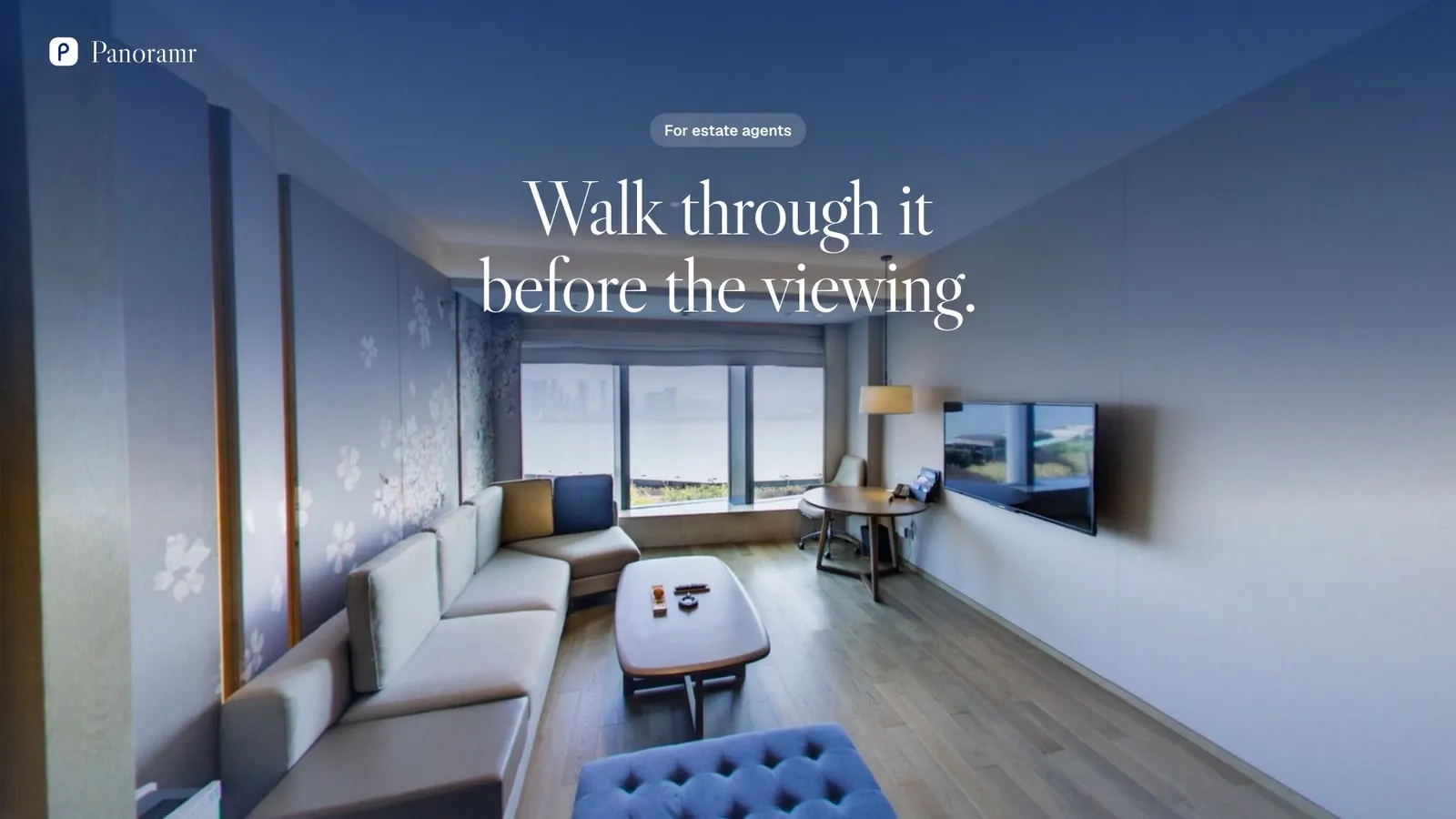
A 360° tour for every listing
Let buyers and tenants walk through a property before they book a viewing. Have a professional take the photos, or take them yourself, then put every tour online in your agency’s own design.
In short
A property virtual tour is a 360° photo of each room, linked so a buyer can walk through the home from the listing page. Agents shoot it on the valuation visit with a pocket 360° camera, or hire a 360° photographer, then upload the photos to Panoramr and embed the tour. The Agency plan hosts 360 photos at once without Panoramr branding (about 30 listings of 12 photos) for £360 a year.
- Photos per listing
- About 8 to 15: each room, the hall, the stairs, the garden
- Who takes them
- You, on the valuation visit, or a 360° photographer
- Hosting
- Agency: about 30 listings online at once
- Sold?
- Take the tour out of hosting and the room goes to the next listing
Two ways to get the photos
A tour is a 360° photo of each space, linked together. Who takes them is up to you.
Hire a professional
A 360° photographer shoots each property and hands you the photos. Many build the whole tour in Panoramr too, and hand it over to your account, ready to publish.
Best for a few high-value listings, or when you want it done for you.
Take your own
With a pocket 360° camera and a tripod, one press takes a whole room. Shoot every room on the valuation visit or before the first viewing, and export the photos from the camera’s app.
Best when you list often: every new listing can have a tour the same day.
From the photos to the listing
- 1
Shoot each room
One photo in the middle of each room, and one in the hall, on the stairs and in the garden: the places a buyer would stand.
- 2
Upload them
Start a tour for the listing and drop the photos in. They are prepared in your browser and upload by themselves.
- 3
Your design, once
Save your agency’s design under My Designs and use it on every listing: the same colours, buttons and logo each time.
- 4
Link the rooms
Add hotspots from room to room, a floor plan, and text where it helps: room sizes, the boiler’s age, the view.
- 5
Put it on the listing
Embed it in the property’s page on your website, send its link to buyers, and post it on social media.
- 6
Sold? Make room
Take the tour out of your plan’s hosting, and its photos’ room goes to the next listing.
What to photograph
One 360° photo in the middle of each room. Lights on, blinds open, doors open, clutter away.
How to take the photos- The front of the house, from the pavement
- The hall and the stairs
- The living and dining rooms
- The kitchen, from where you would cook
- Every bedroom, and the en-suites
- The bathroom
- The garden, the patio and the parking
- The garage, loft or cellar, if they sell the home
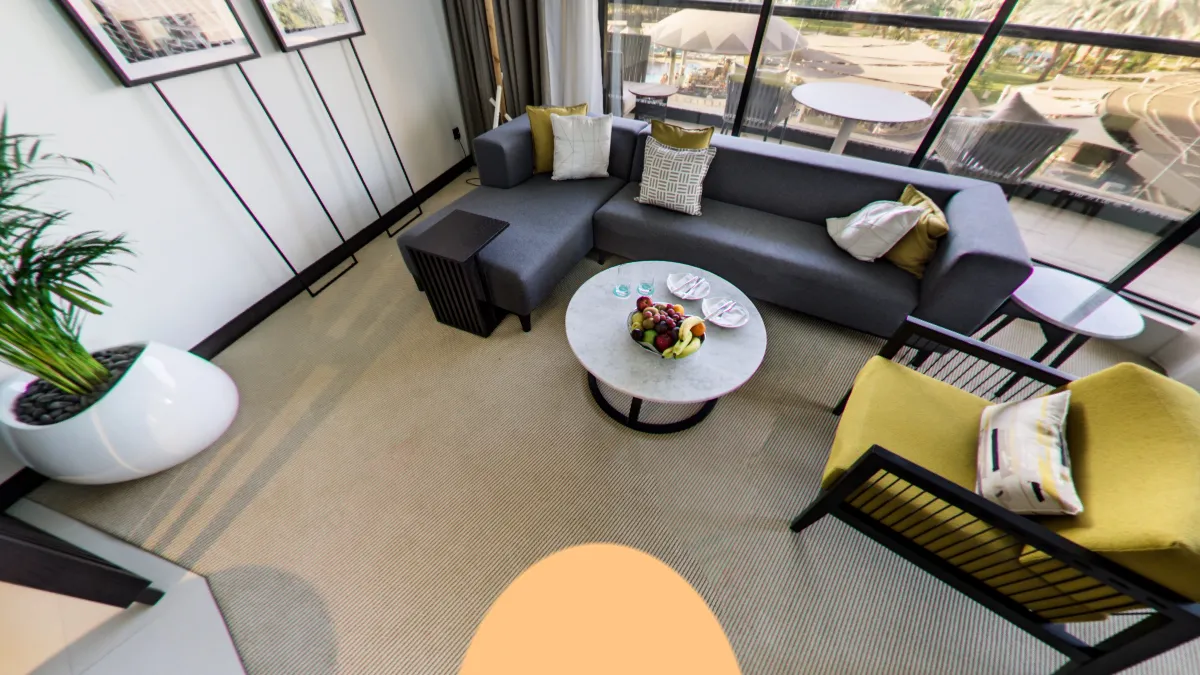
Your agency’s look on every listing
- No Panoramr branding: no start screen and no Panoramr logo
- Your logo and words on the patch over the tripod
- Every Pro theme, in your colours
- Off-market? Keep a tour private, or open to anyone with its link only
- Buyers from abroad can switch the tour to Spanish, French, German, Chinese or Arabic
What agents use most
Floor plan with a live map
Upload a floor plan and pin each room on it. Visitors see a small map in a corner, with a cone that shows which way they are looking.
How it worksFloors and areas
Group the rooms by floor, so buyers go straight to the bedrooms or the garden.
How it worksNotes, pictures and links in the room
Notes in the room: its size, what stays, the age of the boiler, the view.
How it worksPrivate, or by link only
A hosted tour can stay private to you and the people you invite, or open to anyone with its link and kept off Explore.
How it worksVisitor numbers
Each tour’s Analytics tab counts its unique visitors, and Global Analytics adds up all your tours. Search engines’ robots are not counted.
How it worksReshoot one room
After a refit, replace that room’s photo: its hotspots and links stay where they were.
How it works
The plan for an agency
Every listing’s tour hosted together, with no Panoramr branding, on one bill.
Agency
For most agencies£360 a year or £36 a month
Hosts 360 photos at once, shared by every listing: about 30 properties of 12 photos online together.
- Upload up to 3,600 panoramas
- Host up to 360 panoramas with no Panoramr branding
- Every Pro theme on your tours
- Your tour in other languages, with a switch for visitors
- Download your tour as a ZIP, in your own design
- Your own branding, private or published
- Hand a tour over to your client
Enterprise
Arranged with you
For agencies with many branches and staff. We set Panoramr up around how you work:
- A theme designed with you, in your brand, on every listing
- A way for your staff to upload and manage listings that fits how your branches work
- The platform locked down to the steps your staff need, so every tour comes out the same
- Hosting for every listing, with pricing and terms arranged with you
A few tours at a time? Pro hosts 250 photos for £99 a year.
Questions
How many listings can I have online at once?
Agency hosts 360 photos at once, shared by every listing: about 30 properties of 12 photos. When a property sells, take its tour out of hosting and the room is free again.
Can colleagues work on the tours?
Yes. Invite a colleague to a tour as a Viewer, an Editor or an Admin, and choose on the Client Workspaces page what each role can open. Sharing a tour with your team
Can I try it on one listing first?
Yes. Making a tour is free: upload the photos, design it and preview it. You pay only to host it without Panoramr’s branding.
Can buyers look round on a phone?
Yes, on a phone, a tablet or a computer. They drag to look round and tap to walk from room to room.
Can I see how many people looked?
Yes. Each tour’s Analytics tab counts its visitors. Search engines’ robots are not counted.
Can I reshoot a room after it is redecorated?
Yes. Replace the photo and the tour keeps the hotspots on it.
Related industries
- Holiday Lets & Short StaysShow the whole cottage, apartment or lodge, so guests book knowing exactly where they will stay.
- Offices & CoworkingFill desks and let floors: show the workspace, the meeting rooms and the kitchen before the viewing.
- Construction & ArchitectureRecord a site visit by visit, and show clients and investors the finished building before it is built.
Start with one listing
Make its tour free, in your own design. You pay only to put it online without our branding.