Creating a tour of your venue
A tour is a set of 360° photos of your venue, one for each room or view, linked so that visitors can walk from one to the next. Here is what those photos are, which ones work, and how a tour is made from them.
What a 360° photo is
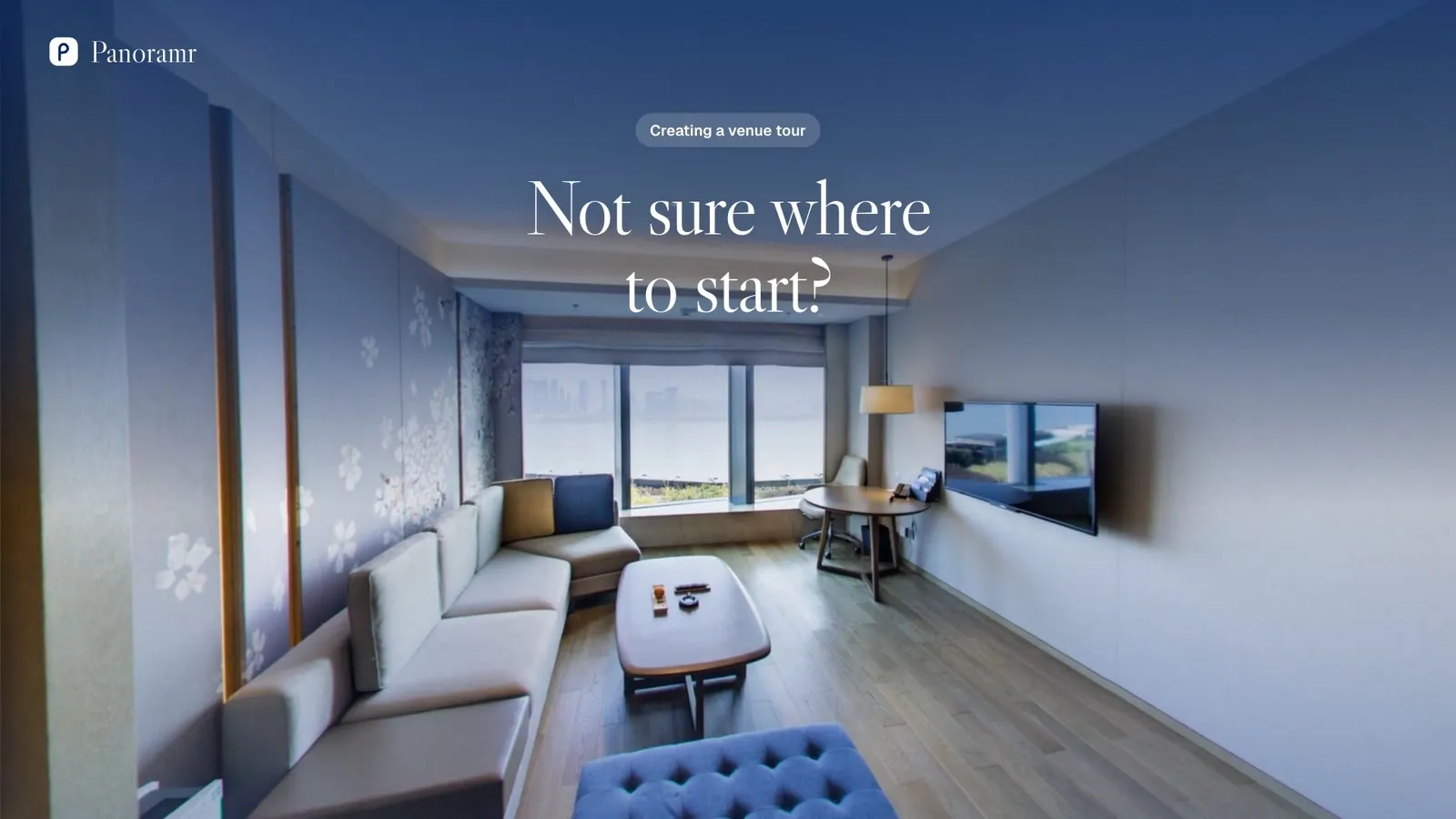
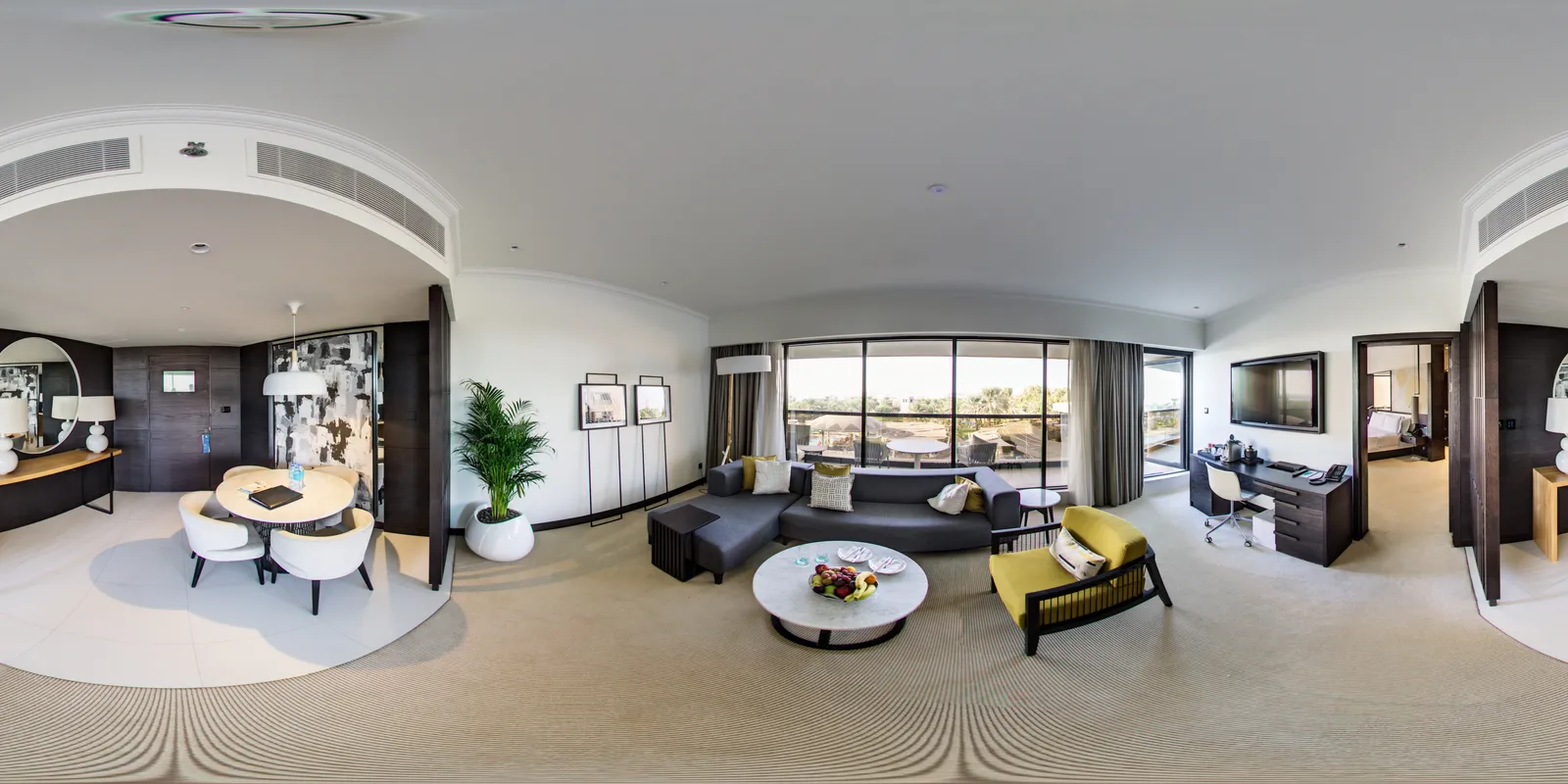
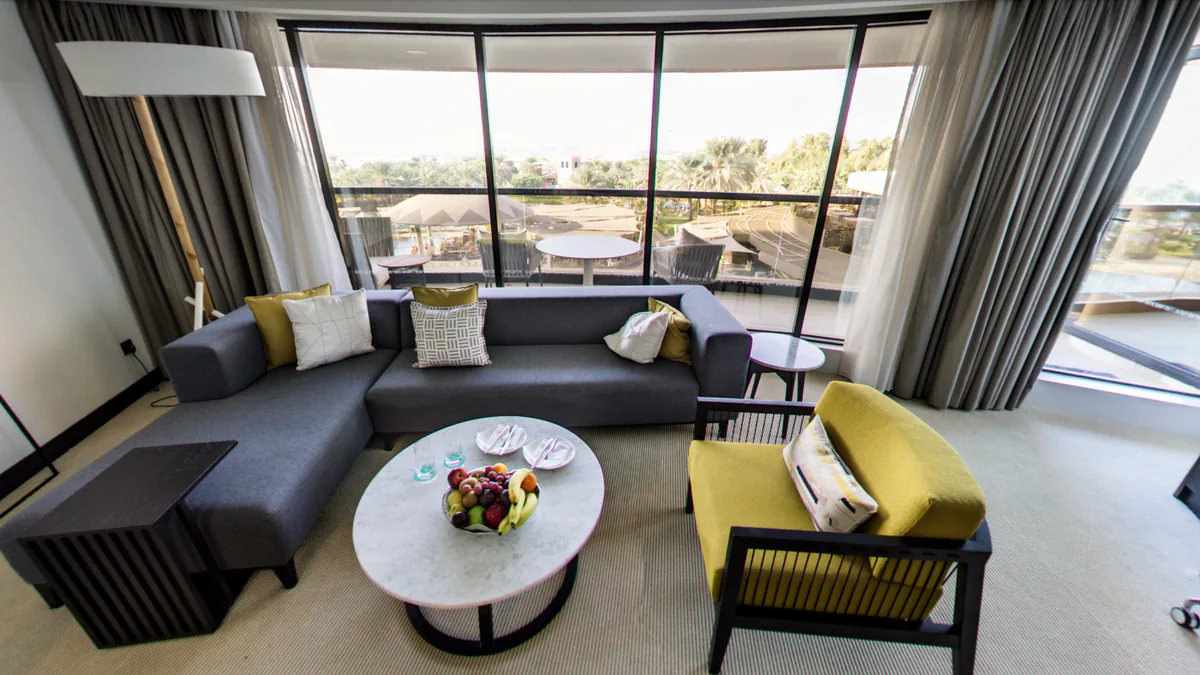
A 360° photo, or panorama, captures everything around one spot: every wall, the ceiling and the floor. The file looks flat and stretched. The tour wraps it back round, so visitors can look in every direction.
Which photos work
These work
- A JPEG or TIFF file
- Exactly twice as wide as it is tall (2:1), for example 6000 × 3000 or 8192 × 4096 pixels
- Up to 23,000 × 11,500 pixels. Files of 250 MB or less work best: a larger one takes longer and needs a recent computer with plenty of memory
These do not
- A flat panorama from a phone’s camera app: it does not go all the way round
- An ordinary photo, or a 360° photo that has been cropped (it is no longer 2:1)
- PNG, WebP or HEIC files: export them as JPEGs first
- A 360° video
Every rule, and what to do if a photo is refused: Photo requirements
Three ways to get the photos
Hire a 360° photographer
A photographer visits your venue, shoots every room and hands you the finished panoramas. A creator who builds tours in Panoramr can also make the whole tour and hand it over to you.
Find a photographerUse a 360° camera
Put it on a tripod in the middle of each room and take one shot: a 360° camera captures the whole room at once. Export the photos from its app as JPEGs.
Use photos you already have
Panoramas from an earlier shoot, or from a tour you had somewhere else, work as they are, as long as they are the full 360° files.
Taking them yourself
- Take one photo for each place a visitor should be able to stand, and for the ways between them: the entrance, a corridor, the stairs.
- Put the camera on a tripod in the middle of the room, at about eye height, and keep it level.
- Turn the lights on, open the blinds and the doors between rooms, and tidy away what you would not want a guest to see.
- Step out of sight and take the shot from the camera’s app or with its timer.
- The tripod shows at the bottom of each photo. The tour covers it with a patch, and a hosted tour can carry your own logo there.
How a tour is made
- 1
Add your photos
Open Create Tour and drop in up to 20 photos. No sign-up and no card. They are prepared in your browser, so keep the page open.
- 2
The tour uploads
Agree to the terms, and the tour uploads by itself as soon as every photo is ready. Then go to the design area.
- 3
Design it
Choose a theme and your colours, add your logo, link the rooms with hotspots so visitors can walk from one to the next, and add text, pictures, video or a floor plan.
- 4
Keep it
Create a free account and the tour is yours. A guest tour is deleted after 2 days.
- 5
Put it online
Publish it free, with Panoramr’s branding, and embed it on your website. Or host it with no branding in a Vault, paid once for the tour.
Each step, what is free and what you pay for: From your photos to a tour on your website
Questions
Do I need an account?
Not to start. Create Tour makes a guest tour of up to 20 photos with no sign-up and no card, kept for 2 days. Create a free account to keep it.
How many photos does a tour need?
One for each room or view you want to show. A small café may need a handful, a hotel or a school dozens. You can add more to the tour at any time.
What does it cost?
Making and designing a tour is free, and so is publishing it with Panoramr’s branding (up to 10 tours). To show it with no branding, put it in a Vault, paid once for that tour. With several venues, the Pro plan hosts all their tours together and can cost less.
Can I put it on my own website?
Yes. Every published tour has a link and an embed code that work on any website, free tours included.
Can I change a photo later?
Yes. Replace a photo and the tour keeps the hotspots you put on it, so you can reshoot a room after a refit.
Can somebody make the tour for me?
Yes. Hire a Creator lists 360° photographers and tour makers. One can shoot your venue, build the tour and hand it over to your account.
Got your photos?
Start your tour now, free, with no sign-up.