From your 360° photos to a tour on your website
Upload them and design the tour free. To share it with your customers, host it without Panoramr’s branding. Here is each step, and what it costs.
First, check your photos
Format
JPEG or TIFF files.
Shape
Exactly twice as wide as it is tall (2:1), such as 8192 × 4096 pixels.
Size
Up to 23,000 × 11,500 pixels. Files of 250 MB or less work best: a larger one takes longer and needs a recent computer with plenty of memory.
How many
Up to 20 to try it with no account, 250 on a free account. One tour can hold them all.
Every rule: Photo requirements. Not sure they are 360° photos? See which photos work, or check one in your browser with the 360° photo checker.
From a photographer? Ask for 2:1 JPEGs, one per spot, level and named by room. Working with a photographer
How a tour is made
- 1
Upload your photos
Open Create Tour, give the tour a name and drop your photos in. No sign-up and no card. They are prepared in your browser, and the tour uploads by itself when they are ready.
- 2
Design it
Choose a theme, then make it yours: colours, menus, buttons and the look of each hotspot. Choose where visitors start looking in each room.
- 3
Link the rooms
Add hotspots so visitors can walk from one room to the next, and add text, pictures, video or a floor plan where they help.
- 4
Keep it
Create a free account and the tour is yours. A guest tour is deleted after 2 days.
- 5
Host it
To share it with your customers, host it without Panoramr’s branding: on the tour’s Publish tab, open Hosting and buy a Vault for it, or put it on the Pro or Agency plan.
- 6
Share it
Paste its embed code into your website (WordPress, Squarespace, Wix and most others), put its link in emails and booking confirmations, or post it on social media.
Putting it on your website: How to embed a tour
Sharing it with your customers
Building the tour is free. To share it with your customers, host it without Panoramr’s branding: a Vault for each tour if you have one or two, or a plan for a restaurant chain or a group of venues.
Vault 36
Suggested£36 a year
For one or two tours: a Vault hosts one tour of up to 36 photos, so a second venue takes a second Vault. Pay once for one, three or five years, or yearly until you stop. You need no plan.
- No Panoramr branding: no start screen and no logo
- Your own design in any theme, Pro themes included
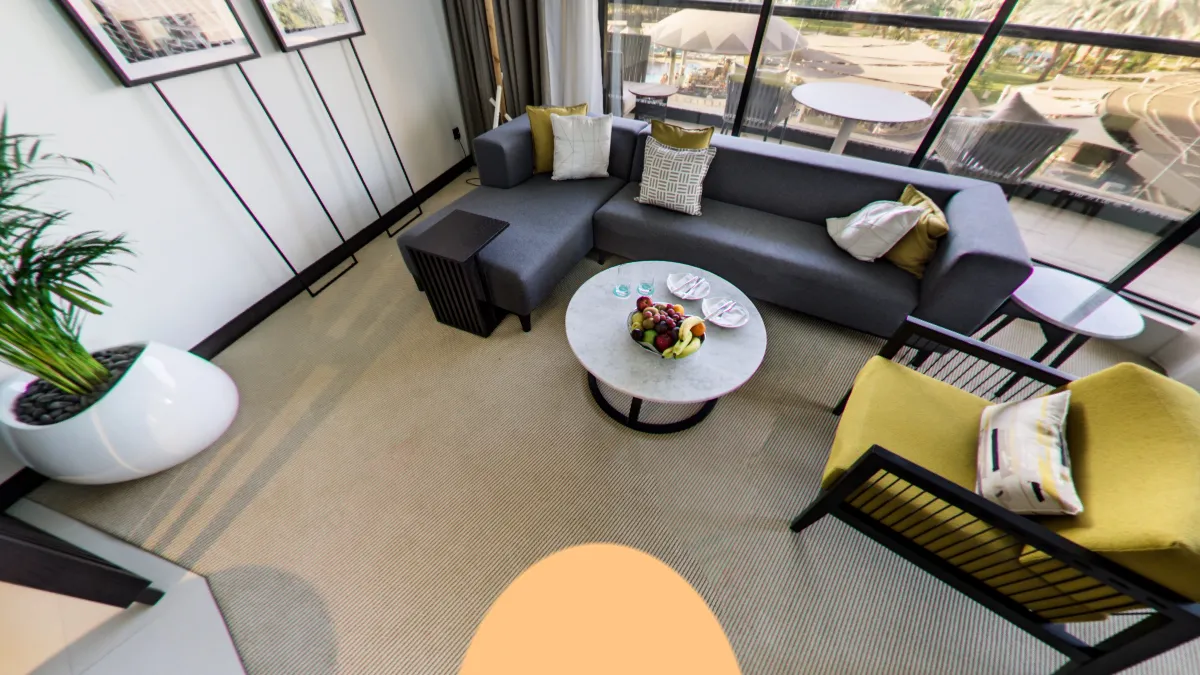
- Your logo and words on the patch over the tripod
- Private, by link only, or listed on Explore
Pro
£99 a year
For a restaurant chain or a group of venues: hosts 250 photos at once with no Panoramr branding, shared by all your tours, on one bill.
- Upload up to 1,000 panoramas
- Host up to 250 panoramas with no Panoramr branding
- Every Pro theme on your tours
- Your tour in other languages, with a switch for visitors
- Download your tour as a ZIP, in your own design
- Your own branding, private or published
- Hand a tour over to your client
Agency
£360 a year or £36 a month
For a bigger chain: hosts 360 photos at once with no Panoramr branding, shared by all your tours.
- Upload up to 3,600 panoramas
- Host up to 360 panoramas with no Panoramr branding
- Every Pro theme on your tours
- Your tour in other languages, with a switch for visitors
- Download your tour as a ZIP, in your own design
- Your own branding, private or published
- Hand a tour over to your client
For example, three venues of up to 36 photos each: three Vaults cost £108 a year, and the Pro plan hosts all three, with room for more, for £99 a year. A plan and Vaults work together: a tour in a Vault does not use the plan’s photos.
A large chain or group? Enterprise is arranged with you: talk to us through the contact page.
Questions
I have several venues. Do I need a Vault for each?
You can, and a Vault suits one venue. For a tour of each, the Pro plan hosts them all together, up to 250 photos in all, for £99 a year.
Can I try everything before I pay?
Yes. Uploading, designing and previewing are free, Pro themes included. You pay when you share it with your customers: a Vault for the tour, or the Pro or Agency plan.
Can I put the tour under my own web address?
Embed it in a page of your own website: the tour plays there, under your address. Panoramr does not offer custom domains.
What happens when a Vault ends?
Nothing is deleted. After 7 days the tour stays online with Panoramr’s branding back, and the branding goes again as soon as you renew.
Can I change my mind after paying?
Where the law gives you the right, you can cancel within 14 days and get your money back.
Can I protect it with a password?
No. A hosted tour is private (only you and the people you invite), open to anyone with its link, or listed on Explore, as you choose.
Can I see how many people look at it?
Yes. Each tour’s Analytics tab counts its visitors. Search engines’ robots are not counted.
Can I change the tour after it is online?
Yes, at any time. Replace a photo and the tour keeps the hotspots on it, so you can reshoot a room after a refit.
Can visitors read it in their own language?
Yes. Add Spanish, French, German, Chinese or Arabic on the tour’s Settings tab and type the translations. Visitors choose with the globe button once the tour is hosted or you are on a paid plan; until then you can translate and preview it, and visitors see English.
Do I need a computer?
It is easiest on one. Your photos are prepared in the browser (a current Chrome, Edge, Firefox, Opera or Safari), and a big photo takes longer on a phone.
Ready when you are
Upload your photos now, free, with no sign-up. You pay only when you share it with your customers.