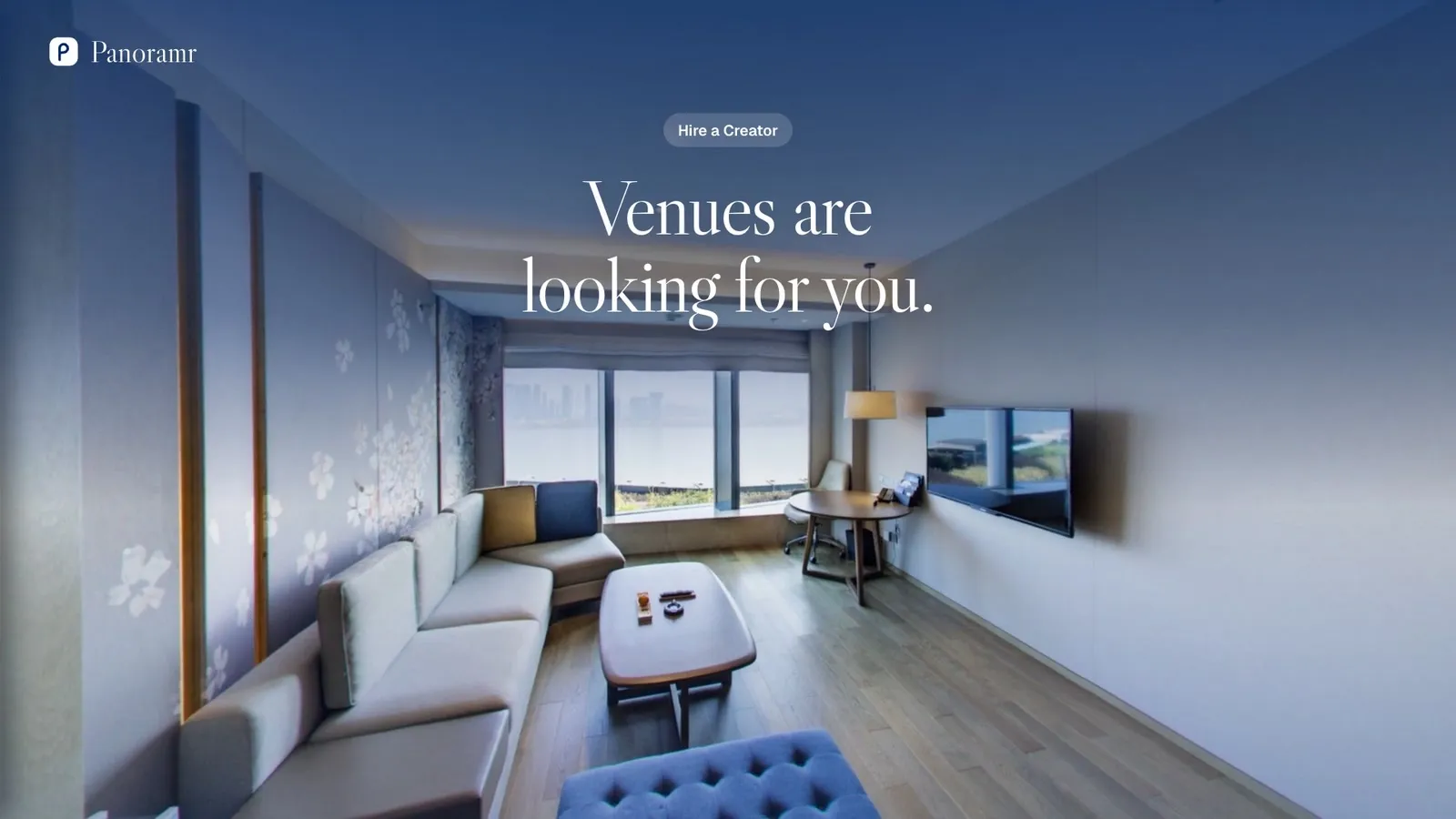
Get found by venues

Be the photographer venues find

Hotels, schools, shops and estate agents come to Panoramr for a tour and ask who can take the photos. Hire a Creator answers with a list of 360° photographers, searchable by town. Your card can be on it today, free.

In short

Hire a Creator is Panoramr’s directory of 360° photographers and tour makers. Any account can be listed, on any plan, with no approval and no commission: fill in six boxes of your creator profile, tick the listing switch and save. Venues search by city or town, see your logo, your place, your bio and up to three of your tours, and contact you by email.

Cost
Free on every plan
Approval
None: listed as soon as you save
Venues find you by
Town or city, company name and words in your bio
They contact you
Directly, by your public email or your website

How to get listed

  1. 1

    Create a free account

    With your email address, or with Google, Facebook or Microsoft. No card and no plan: the Free account can be listed.

  2. 2

    Open your creator profile

    Click your name at the top right, then My Account, then Creator profile. On the social site, the pencil on your own profile opens the same form.

  3. 3

    Fill in six boxes

    Company name, website, bio, country, county or state, and public contact email: the listing switch needs all six. Write your town in the address box too, so venues find you by it.

  4. 4

    Tick the switch and save

    Tick Publish My Profile to the Worldwide Panoramr Creator Directory and save. Your card is listed at once; untick it to leave.

What venues see

Your card in the directory

Anyone can open Hire a Creator from the site’s header, signed in or not. They search by city or town and sort by most tours published or by name, 24 creators a page.

  • Your logo and company name, linking to your creator page
  • Your place: county or state and country, or your town
  • The first two lines of your bio
  • How many tours you have on Explore, and up to three of them
  • View profile, and Contact: a mail link to your public email
Your creator profile and the directory

Your creator page

Every account has a page at its own address, which you can choose. It shows your banner, logo, name, bio and a Visit Website button, then the tours you marked as featured, your other tours on Explore and your posts.

Choose your creator page’s address

What stays private

Your phone number is never shown, and neither is your account’s own email address: only the public contact email you chose.

Your card could be on the list today

A free account and six boxes of your profile. No plan, no approval, no commission.

Create a free account

Be easy to find

The directory searches your company name, your bio, your address box and your county or state.

Open the directoryCreate your free account
  • Write your town and country in the address box, such as Leeds, United Kingdom
  • Name the places you cover in your bio: Leeds, York and North Yorkshire
  • Say what you shoot in your bio: hotels, holiday lets, schools
  • Publish your best tours on Explore: they show on your card
  • Mark your three best as featured: they come first
  • Add your website, so the Visit Website button works
  • Use a clear logo: it is the first thing on your card
  • Post 360° photos on the social site to build followers

Seen beyond the directory

  • Explore

    Panoramr’s public gallery of tours, by category. Each tour links to its creator, and visitors share tours on X, Facebook, LinkedIn and by email.

    Open Explore
  • Your tours’ creator card

    A tour on Explore shows who made it, with a link to your creator page.

  • Posts and followers

    Post single 360° photos on the social site, gather followers, and send them to your tours.

    Post a 360° photo

Questions

Does it cost anything to be listed?

No. Hire a Creator is free on every plan, Free included, and Panoramr takes no commission. A free-trial guest has to sign up first.

Is there an approval step?

No. Your card is listed as soon as you fill in the six boxes, tick the switch and save.

How do venues contact me?

With the Contact button on your card, which opens an email to your public contact email, or through your website. Panoramr does not take bookings or payments between you.

Why can I not tick the listing switch?

One of the six boxes is empty. If you empty one later, the switch unticks itself.

How are photographers ordered?

Visitors choose: most tours published first, or by name. Tours you list on Explore count towards the first.

More for professionals

Get listed today

Make a free account, fill in your creator profile and tick the switch. Venues can find you the same day.

Create a free account